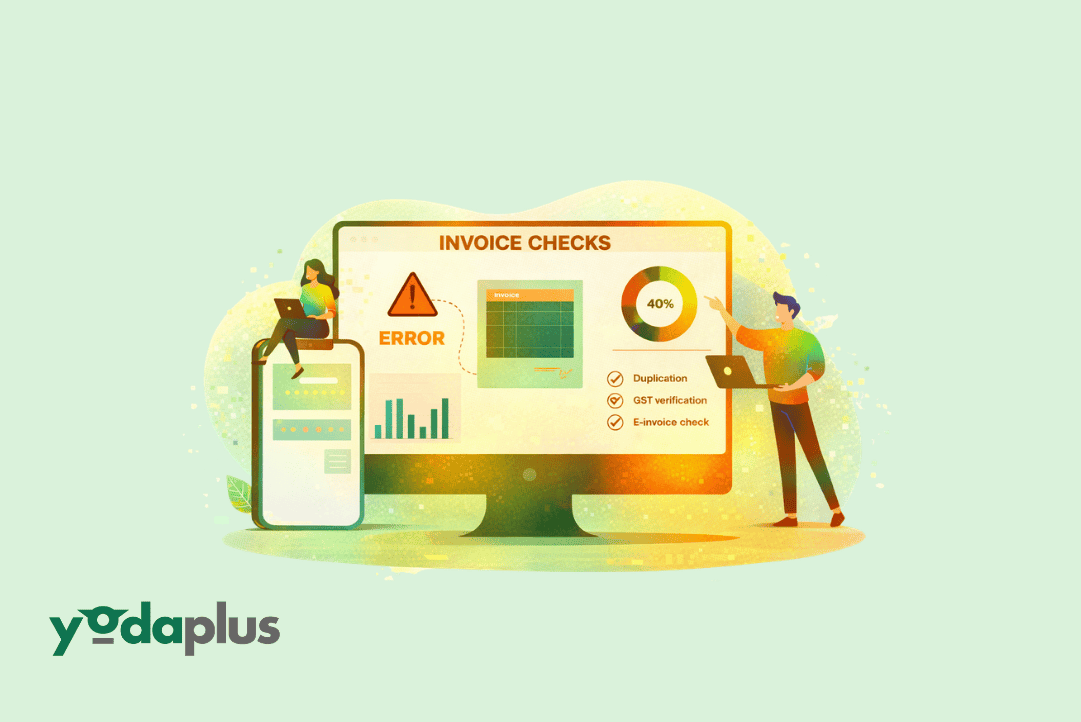
Why Invoice Processing Automation Fails Validation Checks
March 17, 2026 By Yodaplus
Invoice validation is a critical step in accounts payable. It ensures that every invoice is accurate before payment. Yet many supplier invoices fail validation checks. These failures slow down payments, create disputes, and increase manual work.
With invoice processing automation, businesses can reduce these issues. Tools like OCR for invoices, data extraction automation, and invoice matching help detect errors early. Still, validation failures happen due to data gaps, mismatches, and process issues.
Understanding the reasons behind these failures helps companies improve their accounts payable automation and build stronger workflows.
What Are Invoice Validation Checks
Validation checks confirm that invoice data is correct and complete.
Accounts payable automation systems verify details such as vendor name, invoice number, amount, tax, and purchase order reference.
They also use invoice matching to compare invoices with purchase orders and delivery records.
If any detail does not match, the system flags the invoice for review.
Common Reasons Supplier Invoices Fail Validation
Incorrect or Missing Data
One of the most common reasons for failure is incorrect or missing data.
Invoices may have missing fields such as invoice number, date, or tax details.
Even small errors can cause validation failures.
Example: A supplier forgets to include a purchase order number. The system cannot match the invoice, so it fails validation.
Errors in Data Extraction
Invoice processing automation depends on accurate data extraction.
OCR for invoices and data extraction automation read invoice data and convert it into structured format.
If the invoice format is unclear or poorly scanned, extraction errors can occur.
Example: A blurred invoice image leads to incorrect amount extraction, causing validation failure.
Mismatch in Invoice Matching
Invoice matching is a key validation step.
Automated invoice matching software compares invoice data with purchase orders and delivery records.
If there is any mismatch in quantity, price, or item details, the invoice fails validation.
Example: The invoice shows 100 units, but the purchase order lists 90 units. The system flags this mismatch.
Duplicate Invoices
Duplicate invoices often fail validation checks.
Accounts payable automation systems detect duplicates by comparing invoice numbers, vendor details, and amounts.
Example: A supplier submits the same invoice twice. The system identifies the duplicate and blocks it.
Incorrect Pricing or Tax Calculations
Errors in pricing or tax calculations can lead to validation failures.
Even small differences in tax rates or discounts can trigger alerts.
Example: The invoice applies a different tax rate than the one in the system. This causes a validation error.
Vendor Master Data Issues
Validation depends on accurate vendor data.
If vendor details in the system are outdated or incorrect, invoices may fail checks.
Example: A supplier updates their bank details, but the system still has old data. The invoice fails validation due to mismatch.
Format Variations Across Suppliers
Suppliers use different invoice formats.
This makes it difficult for systems to process invoices consistently.
While OCR for invoices helps, extreme variations can still cause issues.
Example: One supplier uses a structured format, while another uses a scanned handwritten invoice. This creates inconsistencies in processing.
Lack of Standardization
Without standard invoice formats, validation becomes complex.
Data extraction automation works best when invoices follow consistent structures.
Example: Missing fields or inconsistent layouts lead to validation failures.
How Invoice Processing Automation Helps Reduce Failures
Improved Data Extraction
With advanced OCR for invoices, systems can read data more accurately.
Data extraction automation ensures that key fields are captured correctly.
Stronger Invoice Matching
Automated invoice matching software improves accuracy in invoice matching.
It detects mismatches quickly and reduces manual intervention.
Real-Time Validation
Accounts payable automation systems validate invoices in real time.
This helps detect issues early and prevent delays.
Better Data Management
Automation ensures that vendor and transaction data remain updated.
This reduces errors caused by outdated information.
Practical Example
A retail company processes thousands of invoices each month.
Before automation, many invoices failed validation due to manual errors.
After implementing invoice processing automation, the company used OCR for invoices and automated invoice matching software.
The system captured accurate data and matched invoices instantly.
Validation failures reduced significantly, and processing time improved.
Benefits of Reducing Validation Failures
Reducing validation failures improves overall efficiency:
-
Faster invoice processing
-
Fewer disputes with suppliers
-
Improved accuracy with invoice matching
-
Reduced manual effort
-
Better cash flow management
These benefits strengthen accounts payable operations.
Best Practices to Avoid Validation Failures
Standardize Invoice Formats
Encourage suppliers to follow a standard format. This improves data extraction automation.
Maintain Clean Vendor Data
Keep vendor records updated to avoid mismatches.
Use Advanced OCR Tools
Invest in reliable OCR for invoices to improve accuracy.
Implement Strong Matching Rules
Use automated invoice matching software for accurate invoice matching.
Monitor and Improve Processes
Regularly review validation errors and improve workflows.
Conclusion
Supplier invoices fail validation checks due to data errors, mismatches, and process gaps. These failures can slow down operations and affect business performance.
Invoice processing automation provides a strong solution. With tools like OCR for invoices, data extraction automation, and automated invoice matching software, businesses can reduce validation failures and improve efficiency.
By strengthening accounts payable automation and ensuring accurate invoice matching, companies can create smoother workflows and better financial control.
Solutions like Yodaplus Supply Chain & Retail Workflow Automation Services help businesses implement these systems and optimize their invoice processing operations.
FAQs
-
Why do invoices fail validation checks?
They fail due to incorrect data, mismatches, duplicates, and formatting issues. -
How does OCR for invoices help?
It extracts data accurately, reducing manual errors. -
What is invoice matching?
It compares invoices with purchase orders and delivery records to ensure accuracy. -
How does accounts payable automation improve validation?
It automates checks, reduces errors, and speeds up processing. -
What is automated invoice matching software?
It uses automation and AI to match invoices quickly and accurately.