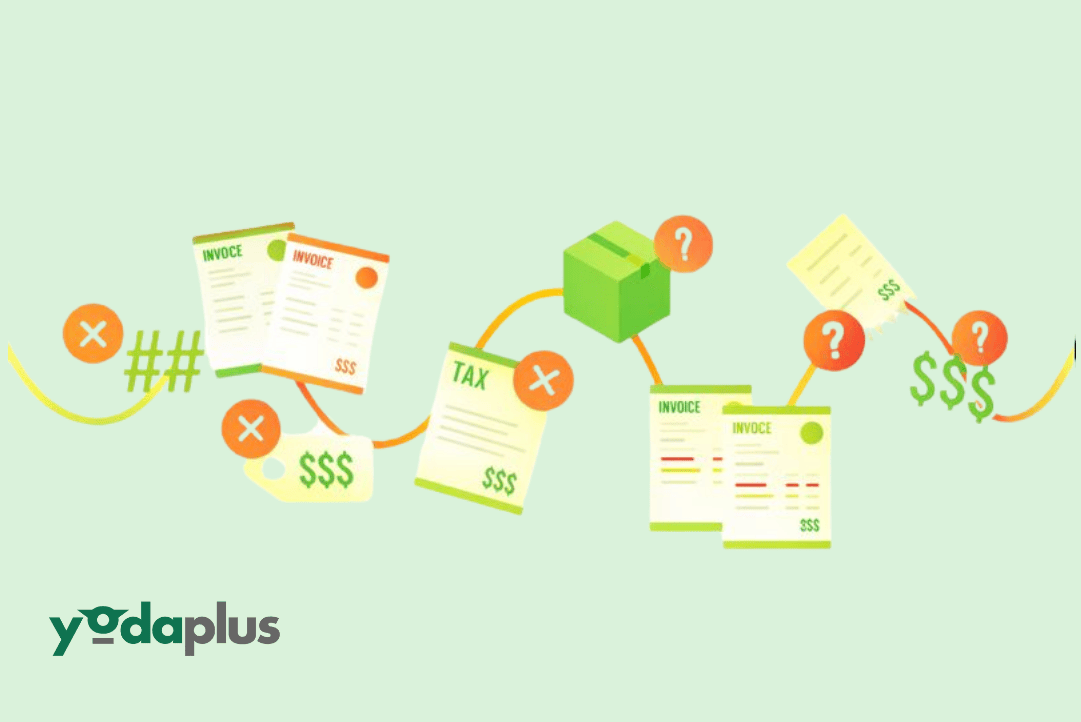
How Invoice Matching and Approvals Are Automated in AP
January 20, 2026 By Yodaplus
Invoice matching and approvals are often described as automated, but in many organizations they still depend on manual checks and email follow ups. Real automation in accounts payable automation looks very different from simple rule based tools.
In modern AP environments, invoice matching and approvals are automated using intelligent document processing, procure to pay automation, and agentic AI workflows. This blog explains how it actually works in real world manufacturing automation and retail automation setups.
What invoice matching really means in AP workflows
Invoice matching is the process of validating an invoice against purchase order automation records and GRN data. This is often called two way or three way matching.
In accounts payable automation, matching is not just about checking numbers. It involves understanding quantities, pricing, taxes, delivery status, and tolerance limits. OCR alone cannot handle this complexity.
This is why intelligent document processing is central to automated invoice matching software.
Step one: capturing and structuring invoice data
The automation process starts when invoices arrive through email, portal upload, or scan. Intelligent document processing uses OCR for invoices and data extraction automation to read invoice fields.
The system identifies invoice numbers, vendor details, line items, totals, and taxes. Unlike basic OCR, intelligent document processing understands context, not just text.
This structured data becomes the foundation for invoice processing automation and accounts payable automation software.
Step two: linking invoices to purchase orders
Once data is extracted, the system links the invoice to purchase order automation records. This includes purchase order creation details such as item codes, quantities, and agreed prices.
If a purchase order number is missing, agentic AI workflows can search related procurement automation data or flag the invoice for review instead of stopping the process.
This step is critical in procure to pay automation and procurement process automation.
Step three: validating against GRN and delivery data
In many manufacturing automation environments, goods are delivered in parts. GRN data confirms what was actually received.
Automated invoice matching software compares invoice quantities with GRN records. It allows partial matches and applies tolerance rules where needed.
This prevents unnecessary delays and supports smooth procure to pay process automation.
Step four: applying business rules and tolerances
After matching, business rules are applied. These rules define acceptable price differences, quantity variances, and tax thresholds.
If values fall within limits, the invoice moves forward automatically. If not, agentic AI workflows decide the next action.
This is where real accounts payable automation differs from simple rule engines.
Step five: automated approval routing
Approval automation is not just about routing invoices to managers. It depends on invoice value, vendor risk, department, and exception type.
Agentic AI workflows route invoices dynamically. Low risk invoices may be auto approved. High value or mismatched invoices go to the right approver with context.
This reduces approval delays and improves visibility across order to cash automation and order to cash process automation.
Handling exceptions without breaking workflows
Exceptions are common in real AP environments. Price changes, missing GRN records, or supplier errors happen often.
Traditional systems stop when exceptions appear. Intelligent document processing combined with agentic AI workflows adapts instead.
The workflow may request clarification, allow partial approval, or hold payment while continuing other steps. This keeps accounts payable automation running smoothly.
Impact on manufacturing and retail operations
In manufacturing automation, automated invoice matching reduces delays caused by complex deliveries and supplier variability.
In retail automation, high invoice volumes demand speed and accuracy. Retail automation AI ensures invoices are processed on time, supporting sales forecasting and AI sales forecasting.
Both benefit from reliable procure to pay automation and faster approvals.
How automation improves forecasting and cash visibility
When invoices are matched and approved faster, finance teams gain real time visibility into liabilities.
This improves sales forecasting accuracy and supports better order to cash automation decisions. Cash flow planning becomes proactive instead of reactive.
FAQs
Is invoice matching fully automated without humans?
Not always. Intelligent systems automate most cases and involve humans only when exceptions matter.
Can automation handle three way matching?
Yes. Automated invoice matching software validates invoices against purchase orders and GRN data.
Does OCR handle approvals?
No. OCR for invoices only extracts text. Approvals require intelligent document processing and workflow logic.
Is this suitable for small AP teams?
Yes. Automation scales down as well as up, especially in retail automation and growing manufacturing operations.
Conclusion
Invoice matching and approvals are automated by combining intelligent document processing, procure to pay automation, and agentic AI workflows. The system reads invoices, matches them to purchase order automation and GRN data, applies business rules, and routes approvals intelligently.
For organizations modernizing accounts payable automation and order to cash automation, Yodaplus Automation Services helps design reliable invoice matching and approval workflows that work in real business environments.